★ Registering licenses for the first time
- 0 Followed
- 0Collected ,11138Browsed

Network Topology
The following matrix shows hardware compatibility with license management:
Hardware series | Model | License management compatibility |
WX1800H series | WX1804H WX1810H WX1820H WX1840H | No: · WX1804H · WX1810H · WX1820H Yes: WX1840H |
WX3800H series | WX3820H WX3840H | Yes |
WX5800H series | WX5860H | Yes |
Configuration Steps
1. Visit the H3C website at http://www.h3c.com/en/License/.
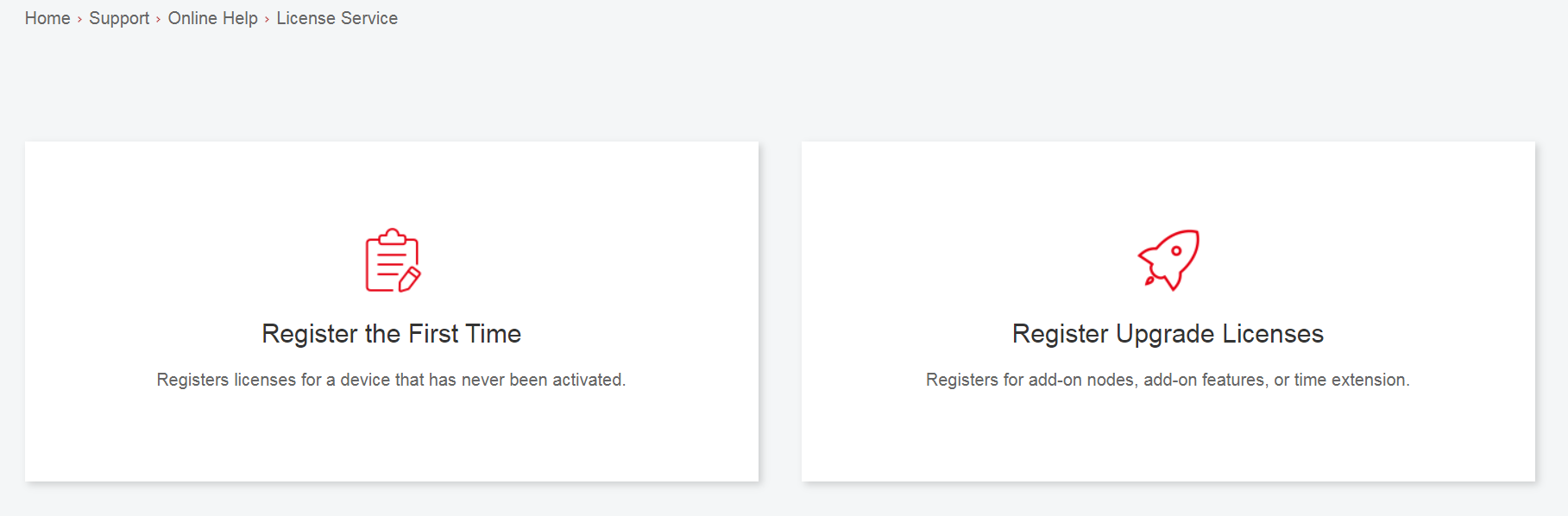
2. Select Register the First Time.
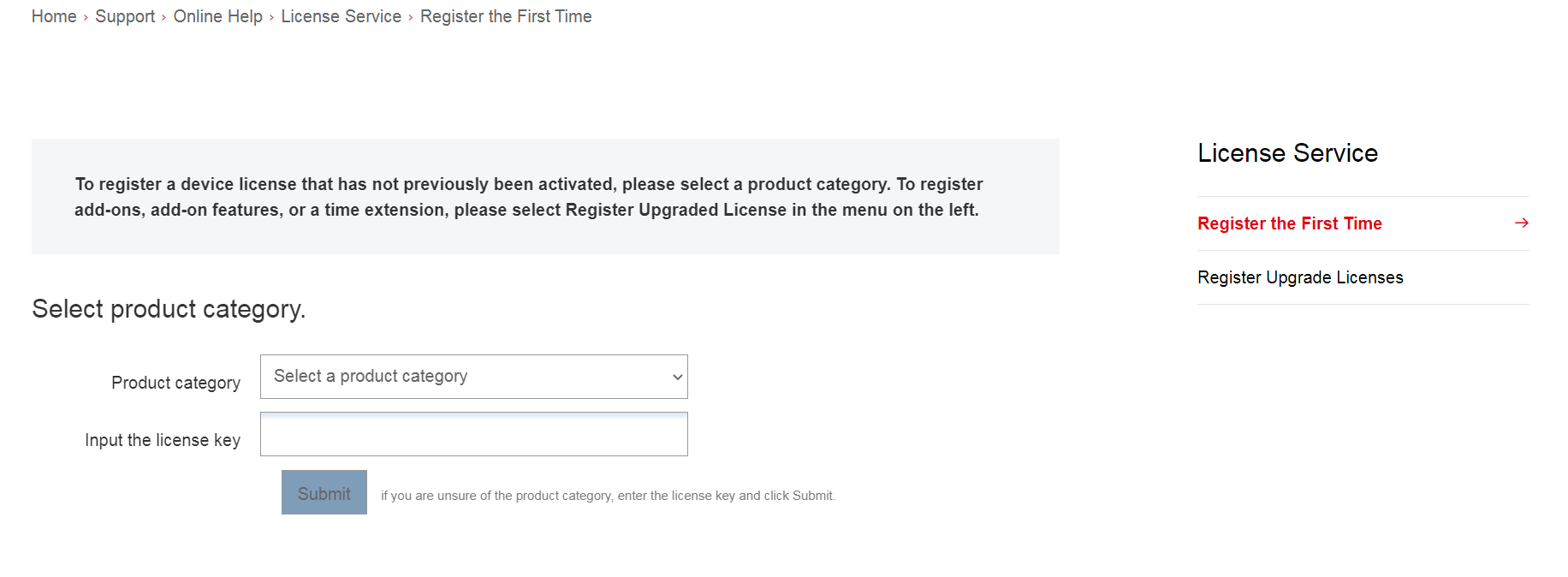
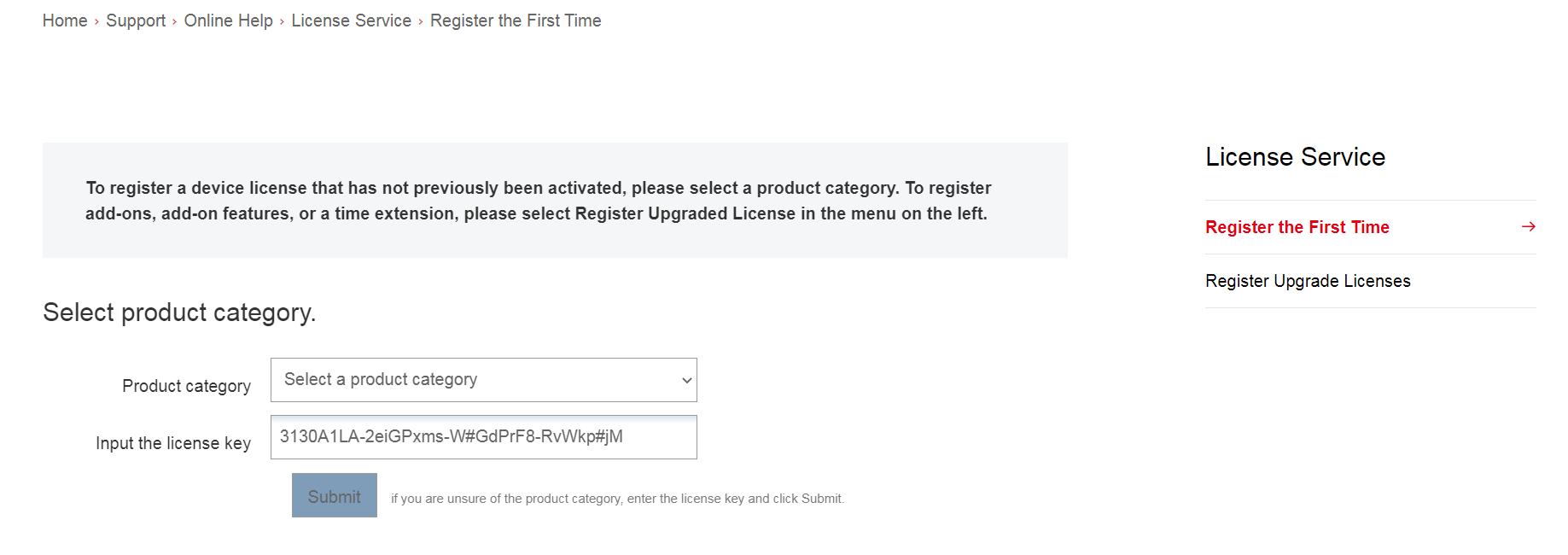
3. Enter the authorization serial number in the Input the license key field and click Submit.
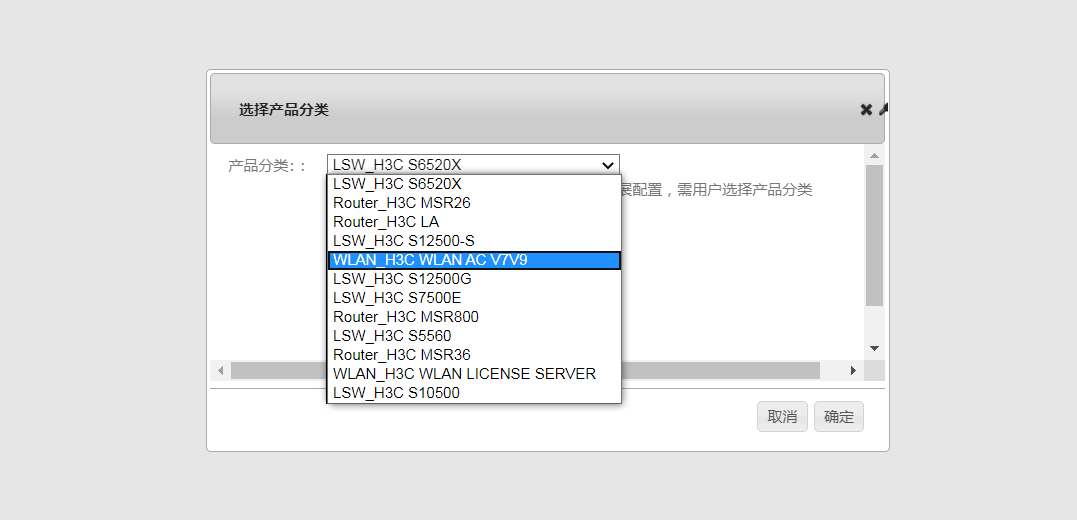
A dialog box opens, displaying product categories matching the license key.
4. In the dialog box, select a product category from the Product category dropdown list and click OK.
5. Enter the device S/N.
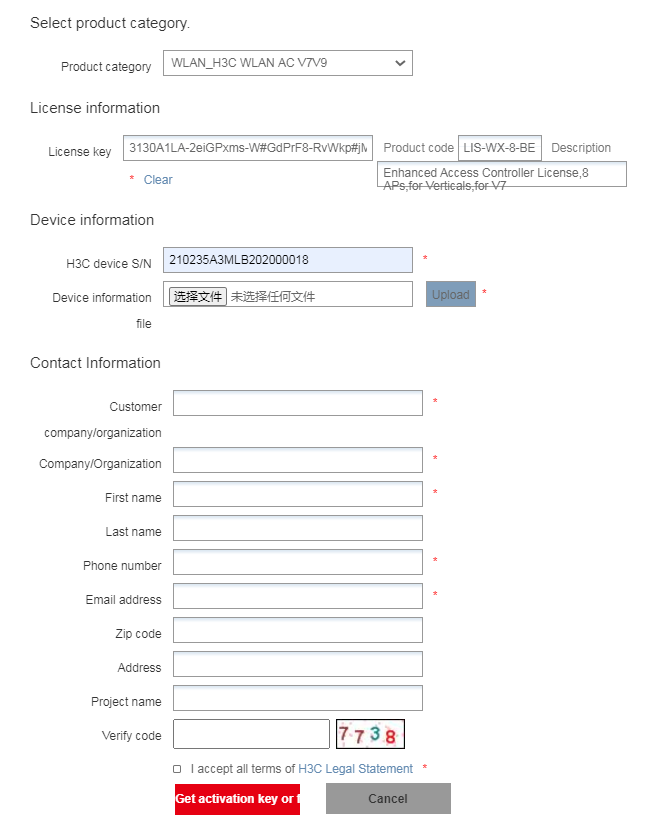
6. Enter the DID or upload the DID file.

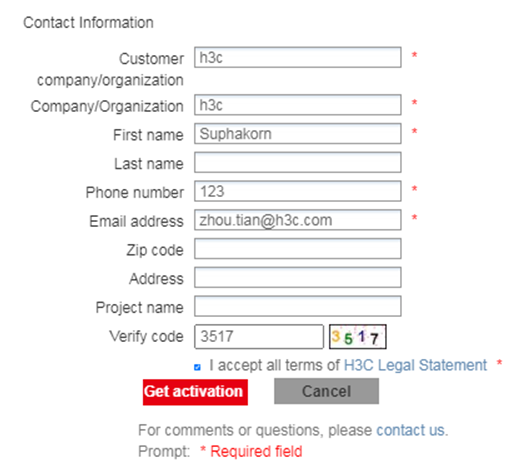
7. Enter the required contact information and verify code, select I accept all terms of H3C Legal Statement, and click Get activation key or file.
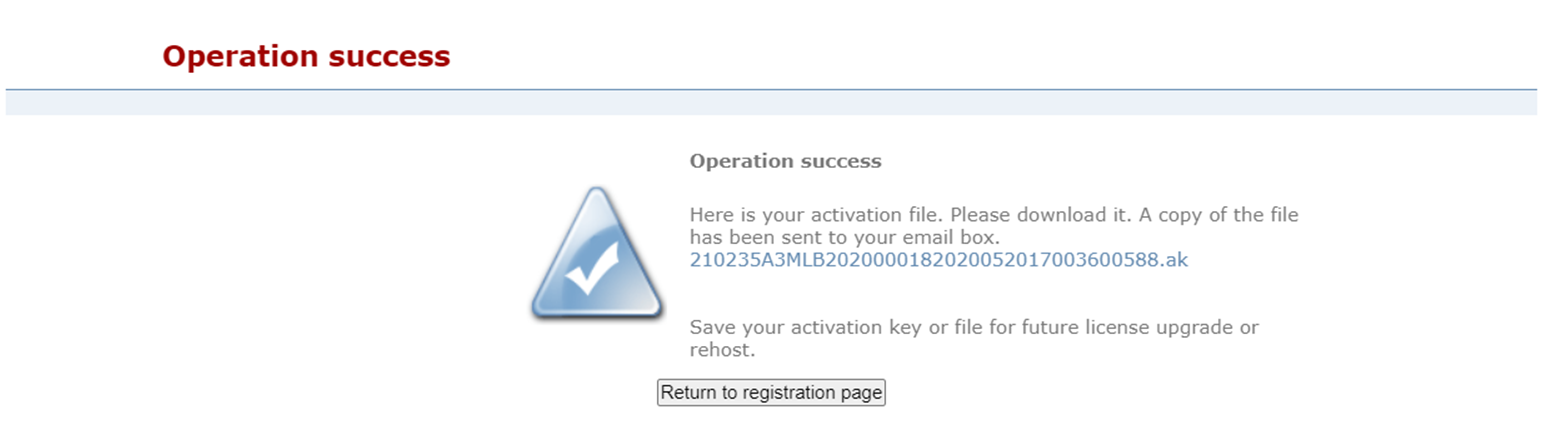
8. Download the activation file to the PC.
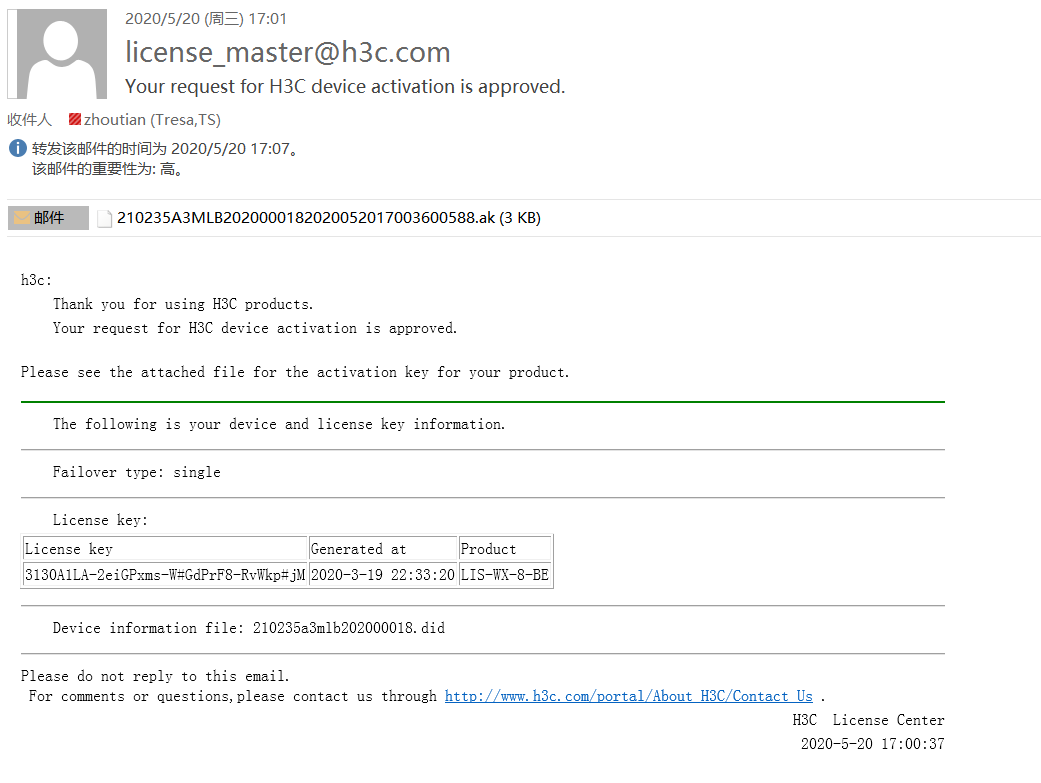
A copy of the activation file will also be sent to the email address that you enter in the contact information.
Key Configuration
NULL