A customer site oasis platform to jump to the local management interface to enter the account password prompt login failure
- 0 Followed
- 0Collected ,1300Browsed

Network Topology
NULL
Problem Description
The local management function of the Oasis platform allows you to jump to the local page of the device, as follows:
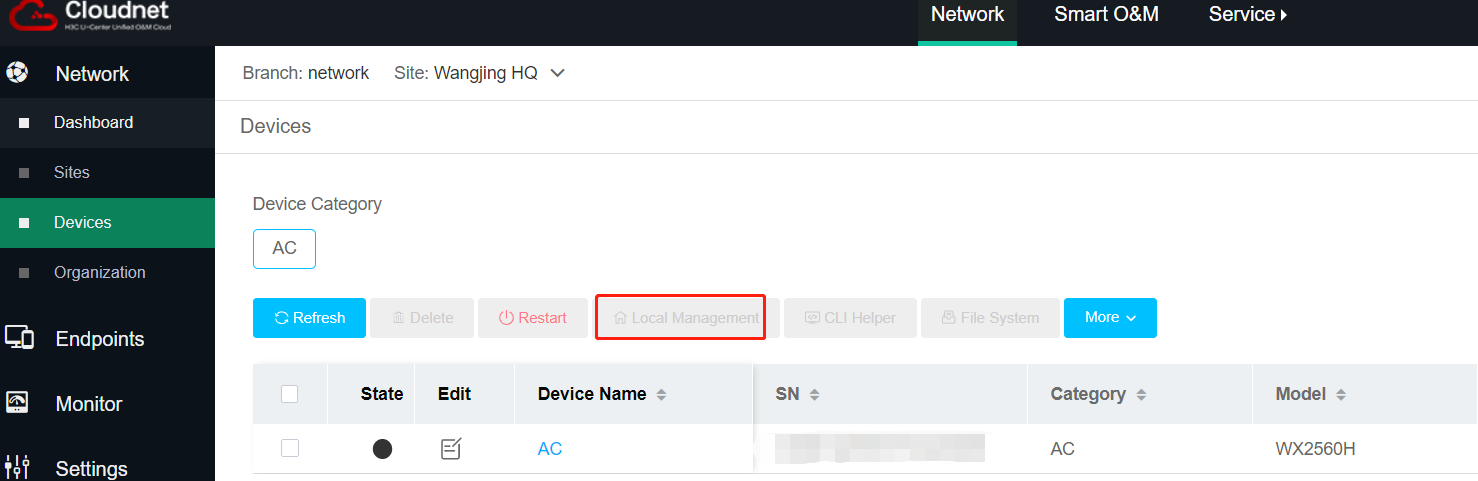
But the failure phenomenon of the site to jump to the local web interface to enter the account and password prompt login failure, and the site to confirm the account password is correct. Failure phenomenon as shown in the figure:

Process Analysis
The local management function of the Oasis platform can jump to the local page of the device, but the failure phenomenon of the site is to jump to the local web interface to enter the account and password prompted login failure, and the site confirmed that the account password is correct, for the correct use of the local management function must be the device model support, the device version support, and the device in the Oasis belongs to the online state, in the jump to the local web In the address bar of the jump to the local web, we found that the jump address is https, check the configuration of the device, the device has configured ip https enable, but in the local user [H3C-luser-manage-user] service-type http does not invoke https service.
Solution
To use the local management function need to pay attention to the following points:
1. confirm the device model, device version is supported, the version of the wireless device is generally D029SP27 start to support, and the device to belong to the online state on the Oasis.
2. jump to the local web need to use https service, you need to put through https, check whether the configuration of ip https enable, local user services whether the call https, etc.