iMC-EIA E0633H01 portal authentication forgot password blank screen
2026-01-18 14:47:00
Published
- 0 Followed
- 0Collected ,4638Browsed

Network Topology
E0633H01
Problem Description
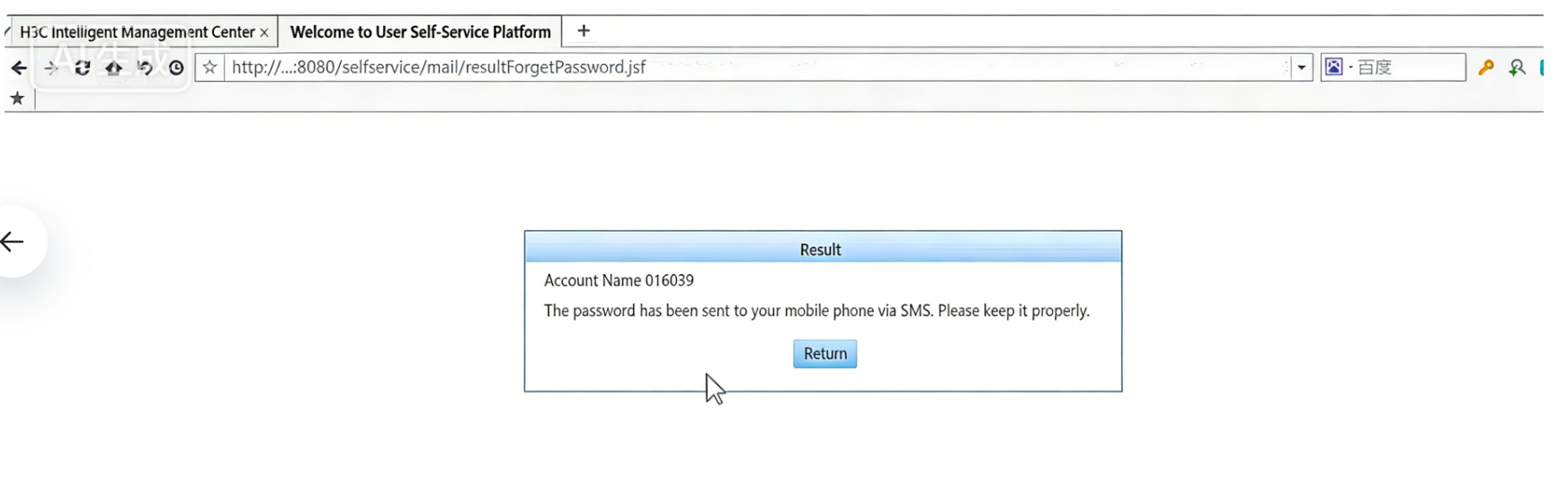
The default portal template is used. On the portal authentication page, click forget password to go to the user self-service platform. After entering the corresponding information, the desktop can normally go to the result page, but mobile terminals including iOS and Android will only display a white screen.

Process Analysis
Check that the URL for both move and PC ends is the same http://xxx.xxx.xxx.xxx:8080/selfservice/mail/resultforgetPassword.jsf, and the interface cannot be displayed properly even when using a browser on the move end.
Solution
Page compatibility has been optimized in EIA E633P02. The issue was resolved after upgrading to E633P02.