U-center 5.0 0721h06 Failed to open web device management after adding network device
- 0 Followed
- 0Collected ,4226Browsed

Problem Description
After deploying U-center 5.0 on-site and adding the device to management, right-click the device and select open web device management. A pop-up appears, but the page prompts that this website cannot be accessed.
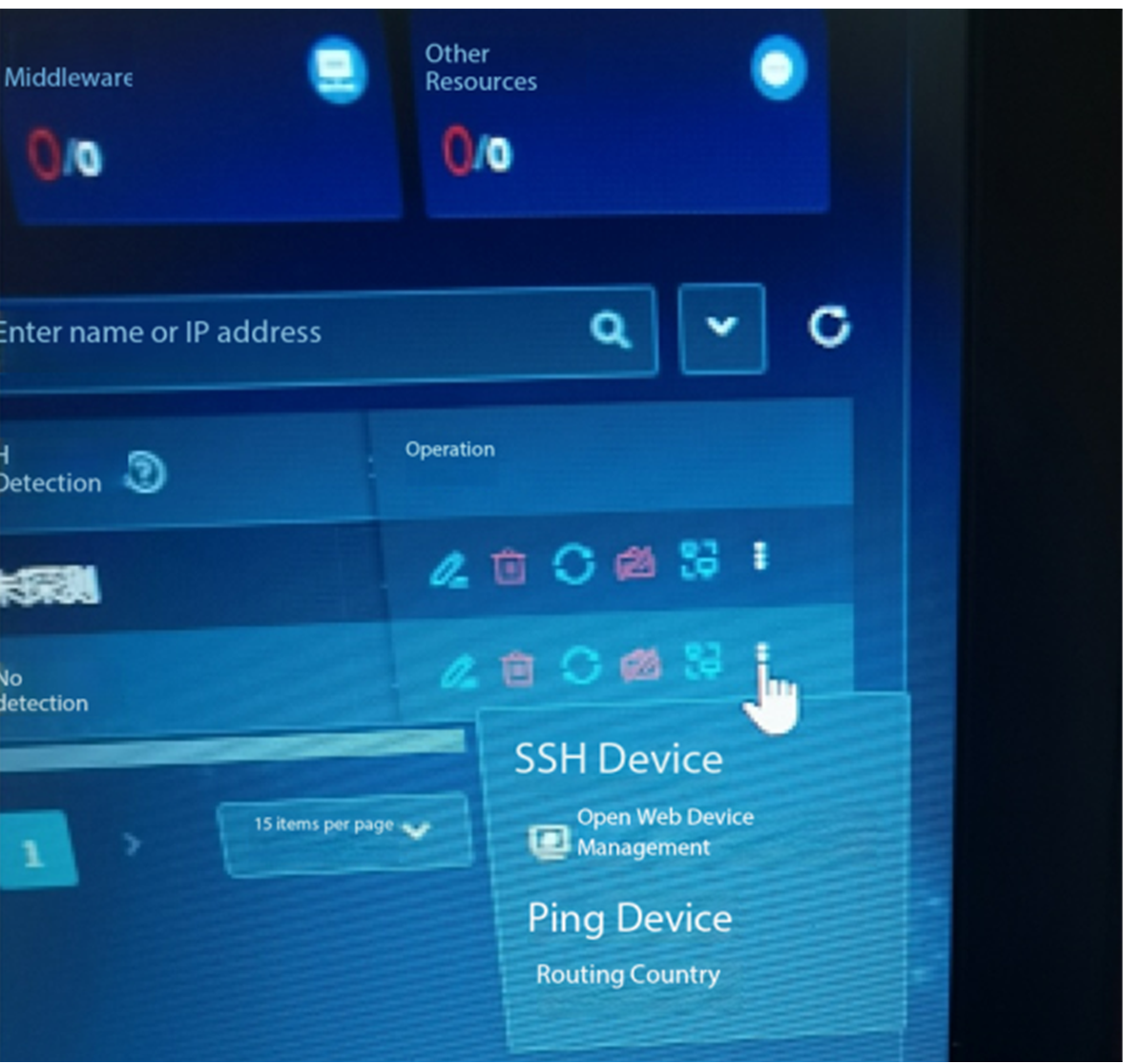
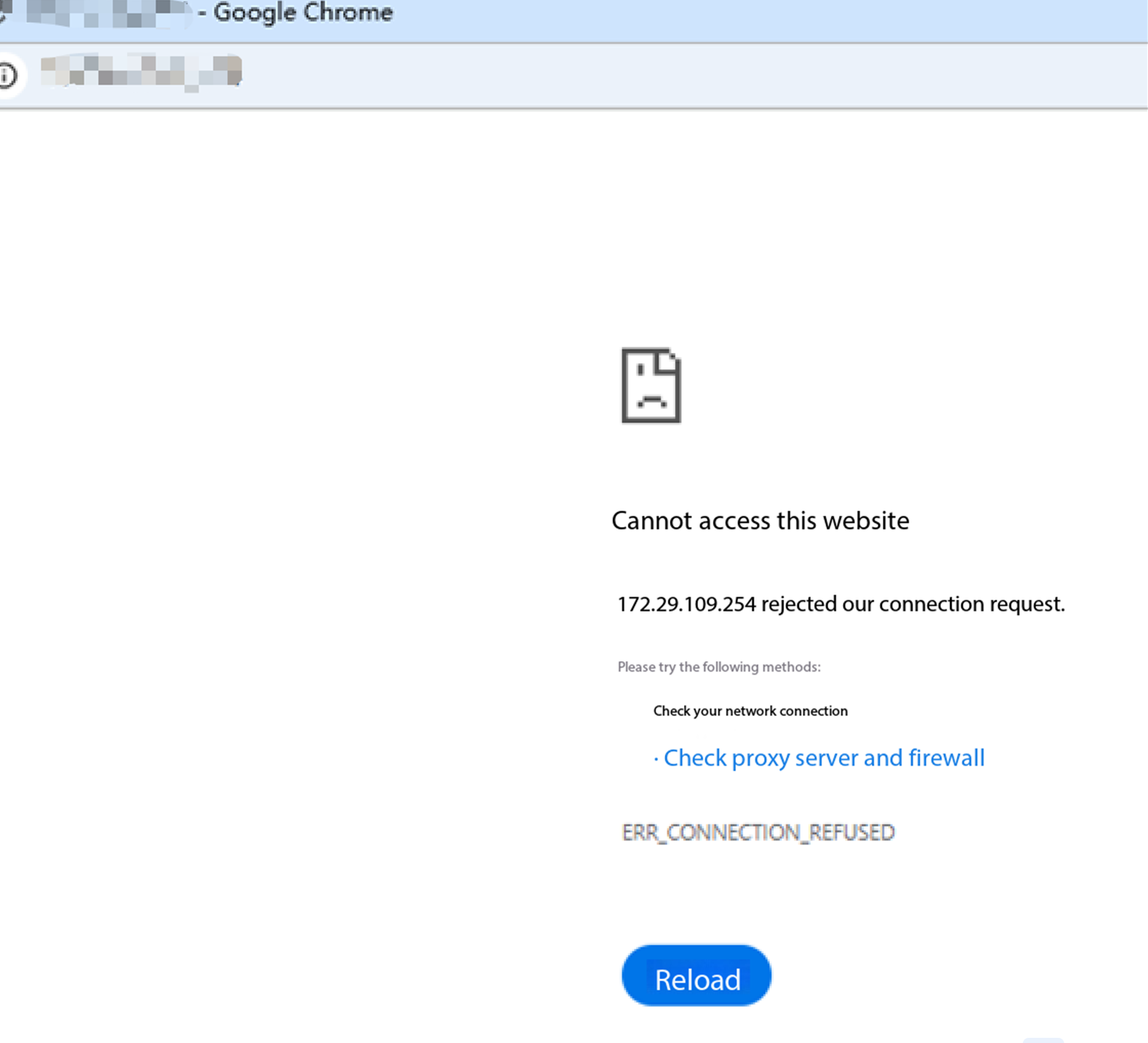
Process Analysis
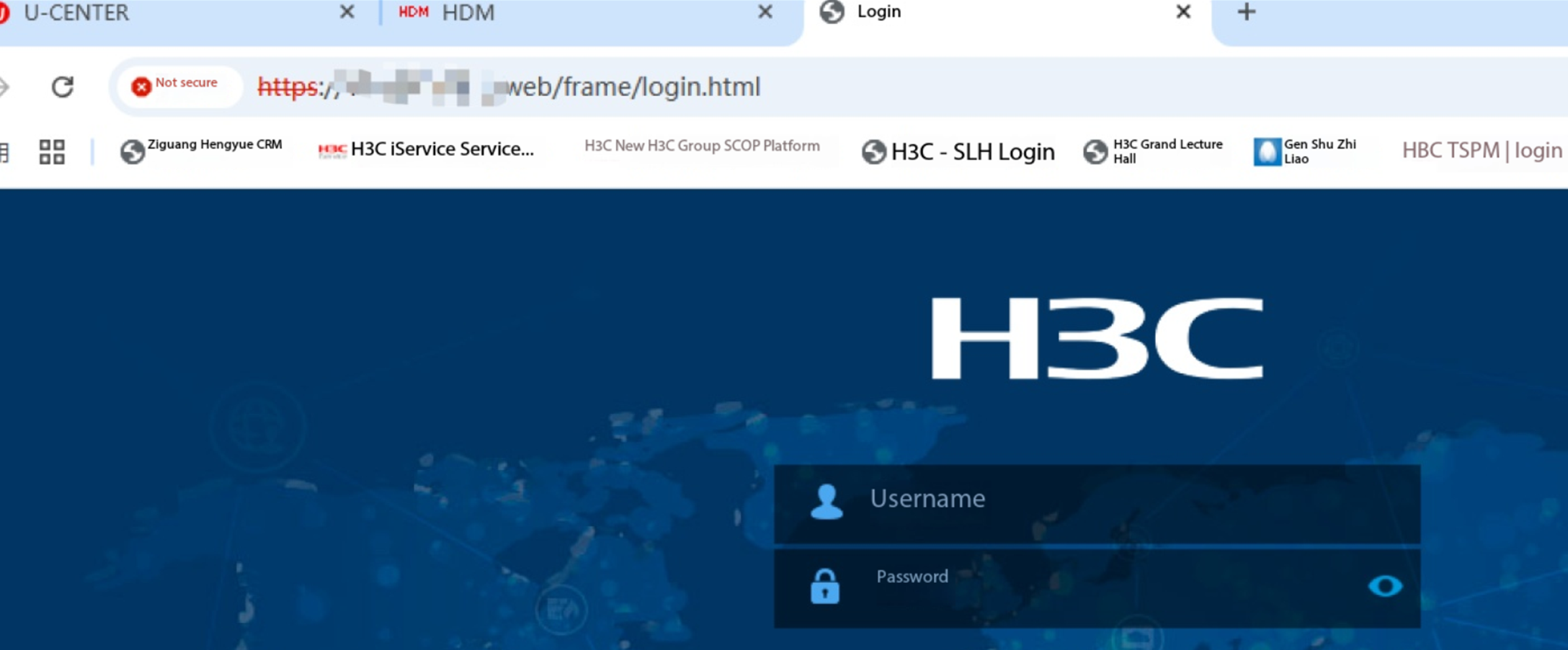
1. Acknowledge that the network device has a web page and can be opened normally without traffic restrictions, as shown below
2. Check if the device directly opens with https go to, while UC5.0 side click open web device management t go to is http, suspecting whether the device itself supports http go to
3. Confirm with the device side that both http and https are supported. Enable ip http enable via command line, and normal go to is possible, but the site considers it insecure and still prefers to open device management via https
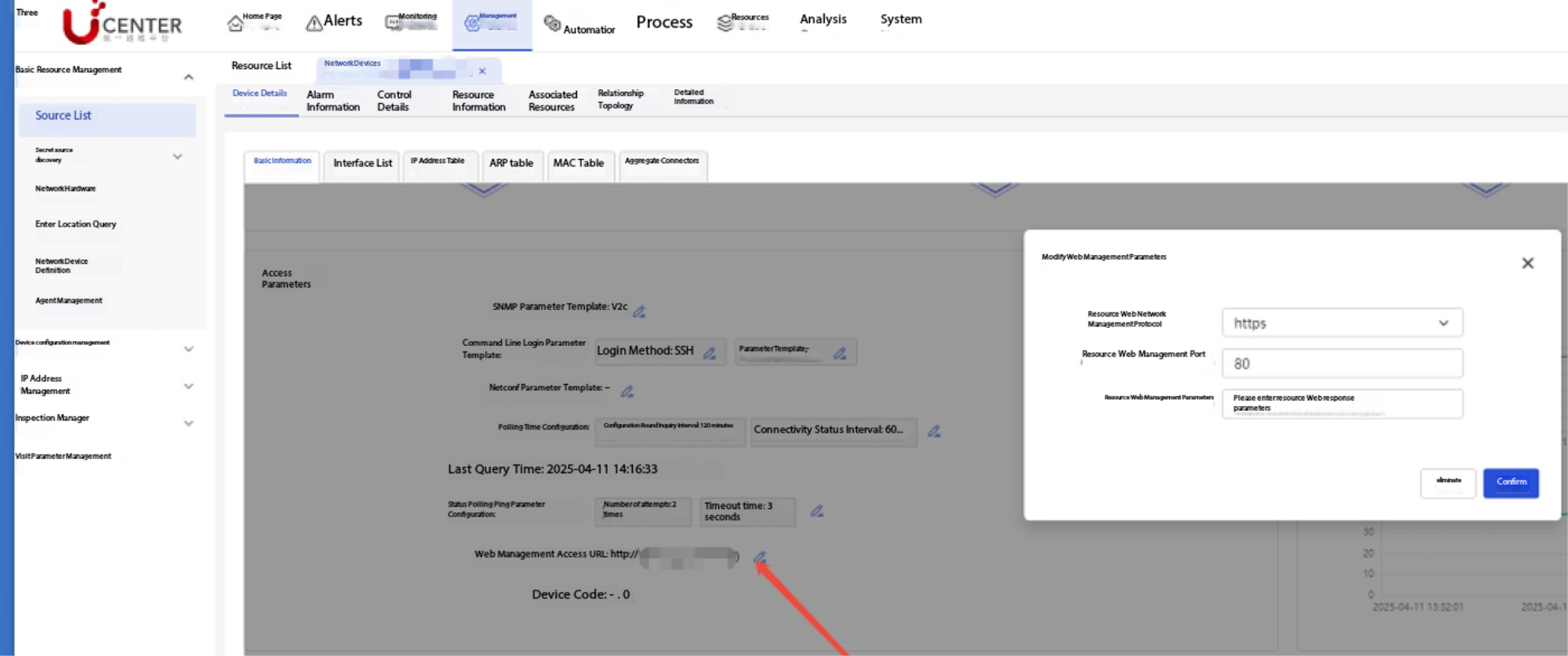
4. Consult the second line to acknowledge. The uc5.0 side can also be set to open via https when going to. The setup method is shown in the figure below. After setting, https redirection can be achieved.
Solution
Both the device side and uc5.0 side can set the network management open method. After matching, it can be opened normally