★ The FC HBA's pwwn could not be recognized
- 0 Followed
- 0Collected ,3397Browsed

Network Topology
Rack Server,
FC HBA model: HBA-16Gb-LPe31002-2P-1-X
OS: rhel8.6
Storage: DELL PowerStore1000T
Problem Description
The FC HBA's pwwn could not be recognized by the directly connected DELL storage. It was ultimately determined to be a DELL storage issue, which was resolved by restarting the DELL storage. The troubleshooting process was tortuous. A summary of the involved commands is provided below, which can be referenced when encountering FC HBA issues in the future.
Process Analysis
If the FC HBA firmware version cannot be read by SDS, it may be because the boot mode is legacy. Changing it to UEFI allows reading, or the OS can also be used to read it (commands are shared below).
Before executing the commands, hardware replacement checks for the FC HBA Riser card, as well as link-level and storage configuration checks, had been performed.
Solution
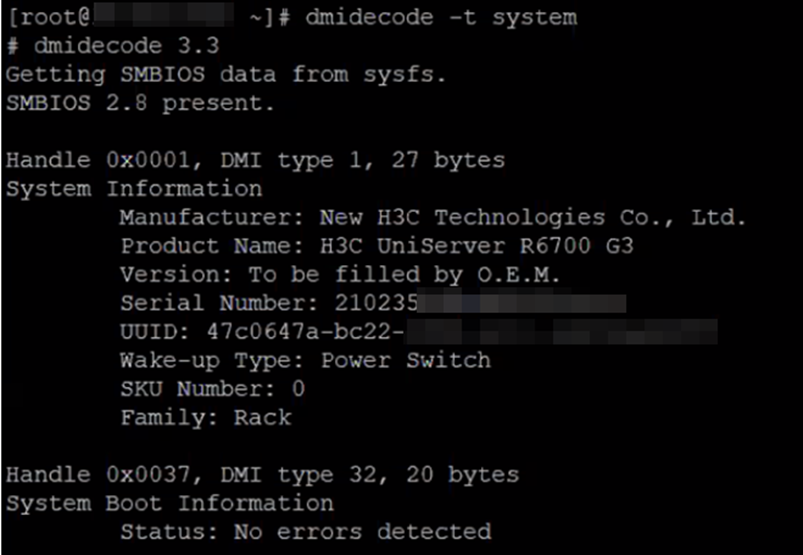
Check the server's SN again to confirm it is the server (this command is not needed for the HDM remote console; it is recommended to execute it again via ssh for confirmation). The command is dmidecode -t system.
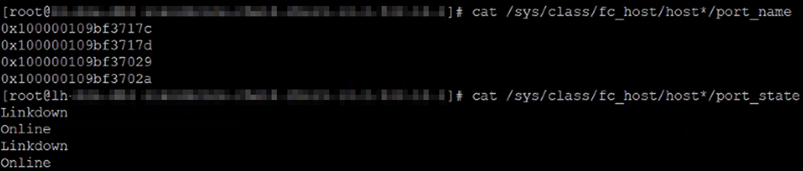
Check the port names and statuses of the FC HBA card. Removing "0x" from the port name gives the pwwn information. For example, 0x100000109bf3717c becomes 10:00:00:10:9b:f3:71:7c.
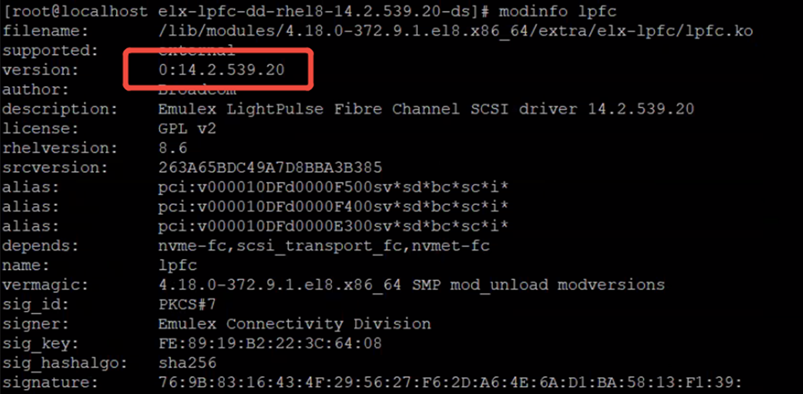
Check the FC HBA driver version: modinfo lpfc | grep version

View all output: modinfo lpfc
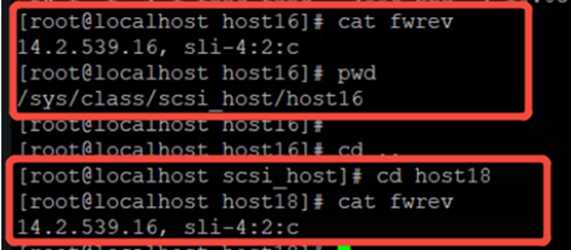
Check the current firmware version of the FC HBA card with cat /sys/class/scsi_host/host*/fwrev. This allows you to check whether the firmware and driver are compatible and whether it is the recommended version.
Check the list of FC HBA card ports and the port details files, such as port ID, version, speed, etc.
cd /sys/class/fc_host
cat /sys/class/fc_host/host16/port_id
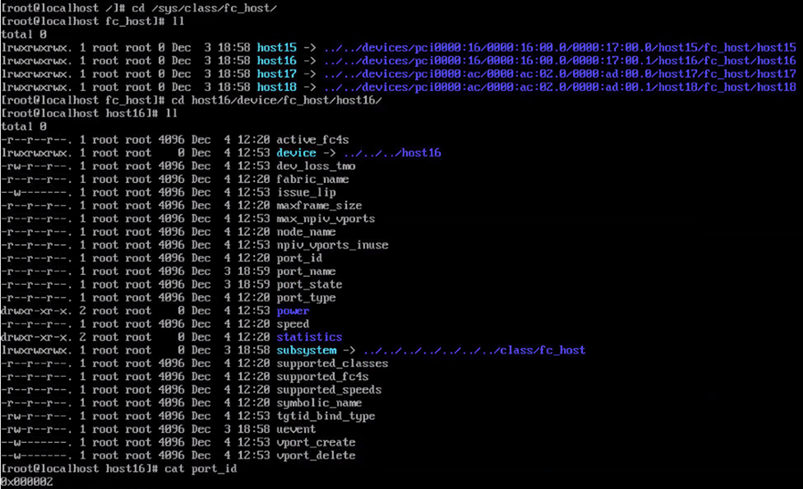
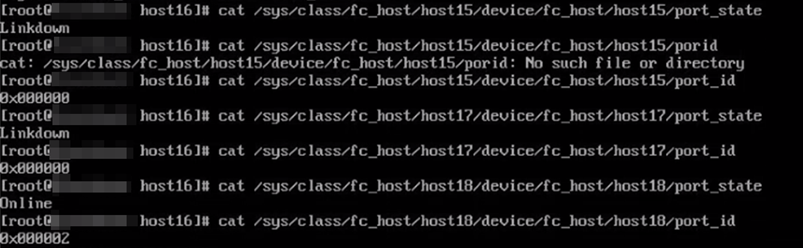
You can also use the Emulex HBA Manager tool to read FC HBA information. The tool is in the firmware version compression package. Find the corresponding operating system directory. For example, the rhel8.6 tool is in the compression package directory: fw\tools\linux\tool_linux.zip\tool_linux\Emulex HBA Manager\rhel8-rhel9-rhel10. The installation method is: tar -zxvf elxocmcore-***.tgz; switch to the decompressed tool directory, run ./install.sh, and then follow the prompt information to install the tool.

Check the list of HBA cards using the command "hbacmd ListHBAs", which can read the port pwwn and node wwn. This information is needed to identify when mounting FC storage, similar to an ID card. It is also necessary to pay attention to the Port Type. For FC+NVME, some storage devices such as DELL PowerStore 1000T need to be switched to FC mode (the two commands that take effect immediately are as follows; you can test if this is the reason):
rmmod lpfc
modprobe lpfc lpfc_enable_fc4_type=0x1
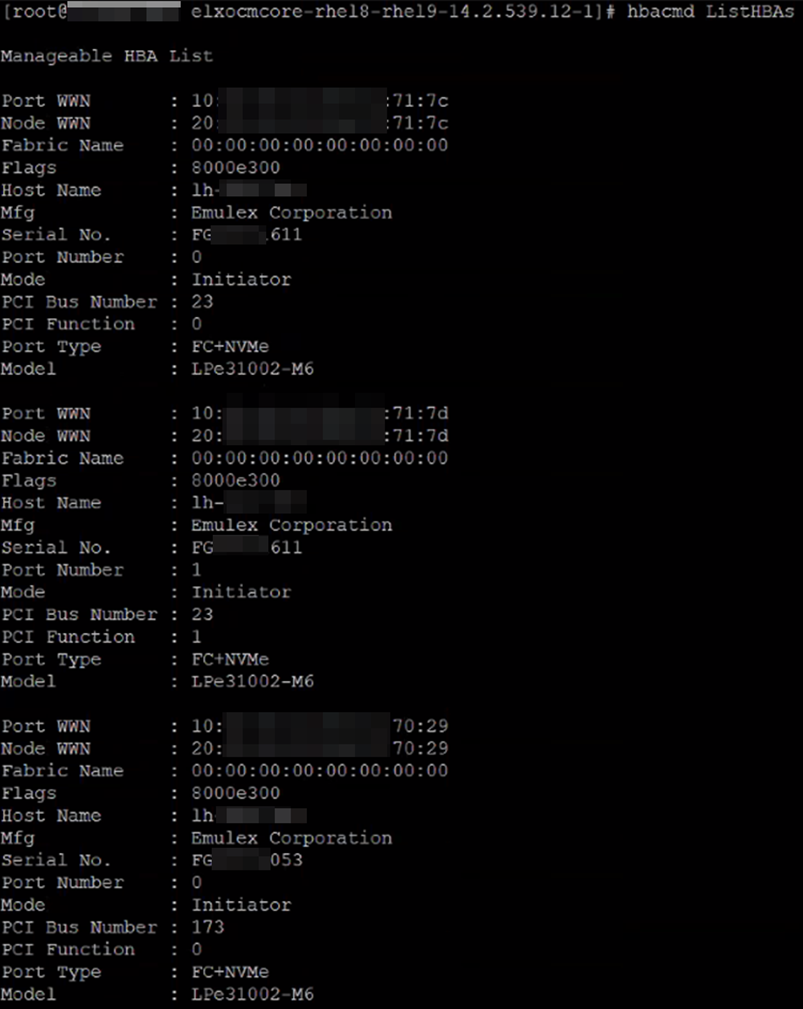
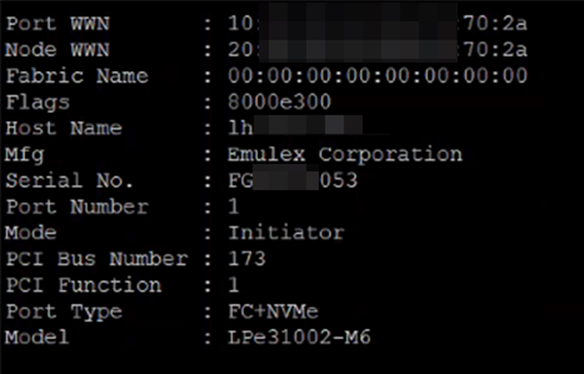
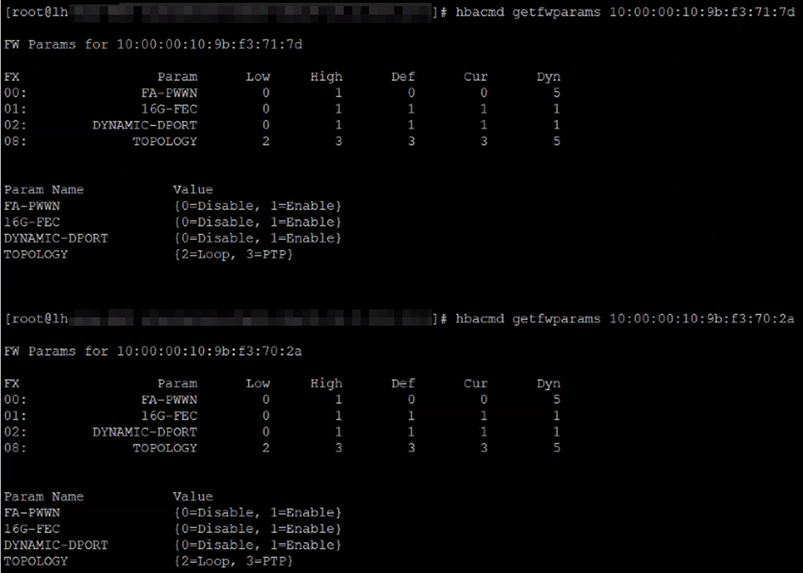
View parameter information using the port pwwn