Replace the CAS platform certificate (Euler platform)
- 0 Followed
- 0Collected ,375Browsed

Network Topology
/
Problem Description
The customer needs to renew the CAS certificate.
Process Analysis
/
Solution
Applies to CAS using Nginx (R0785P03)
1. First convert the server certificate from CER to PEM format (online tool or OpenSSL)
This example uses OpenSSL
[root@cvm cert]# openssl x509 -in cvmcas.ctic.cer -inform DER -out cvmcas.ctic.pem -outform PEM
2. Move the certificate to the CVM
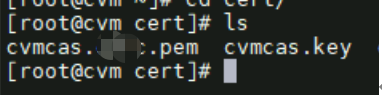
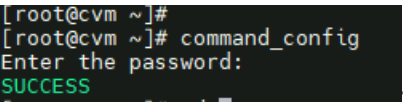
3. Run command_config and enter the password Cloud@4321
4. Back up the original certificate
[root@cvm cert]# cp /etc/nginx/conf.d/nginx.crt /etc/nginx/conf.d/nginx.crt.bak
[root@cvm cert]# cp /etc/nginx/conf.d/nginx.key /etc/nginx/conf.d/nginx.key.bak
5. Replace the original certificate with the new certificate and key using the cp command
[root@cvm cert]# cp ./cvmcas.ctic.pem /etc/nginx/conf.d/nginx.crt
[root@cvm cert]# cp ./cvmcas.key /etc/nginx/conf.d/nginx.key
6. Restart the nginx service
[root@cvm cert]# service nginx restart
Redirecting to /bin/systemctl restart nginx.service
[root@cvm cert]#
If this is a CVM active-standby setup, replace on both machines. The standby CVM should not have nginx running and should not be restarted. Restart only the primary CVM; the standby will start automatically during switchover.
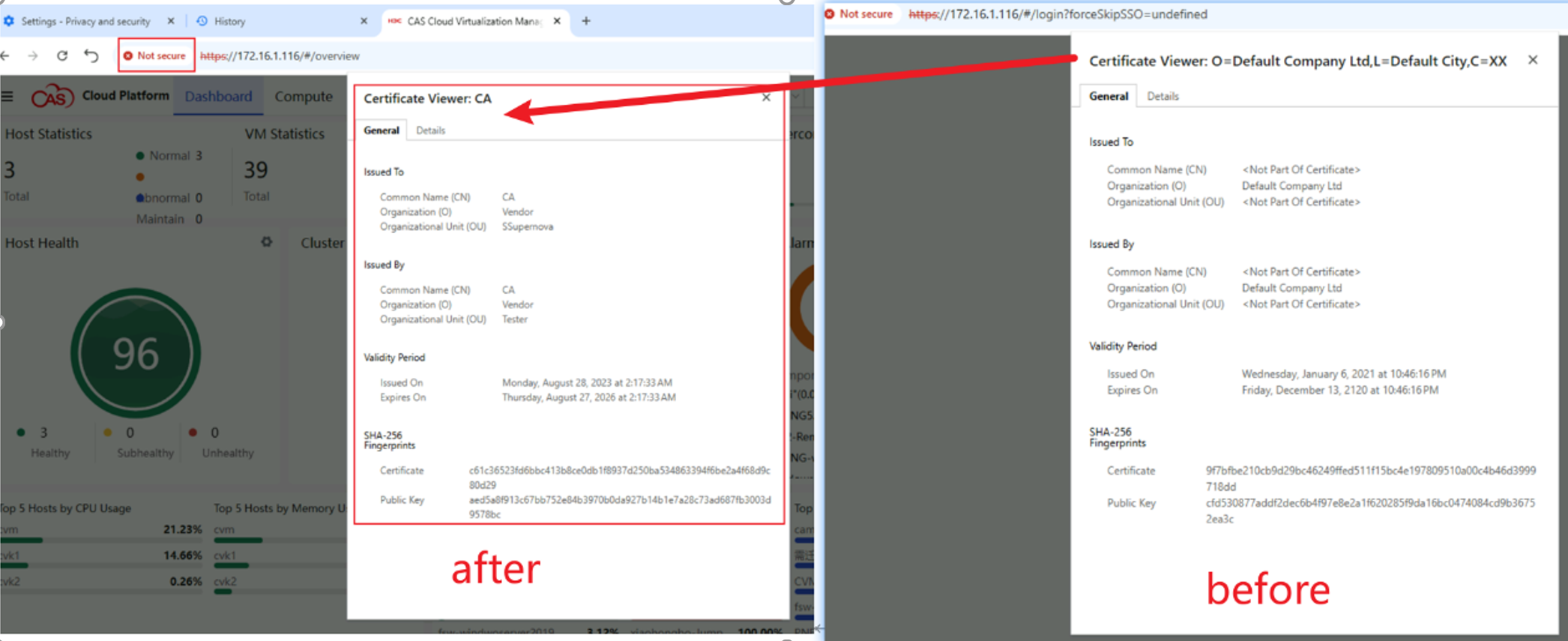
Certificate replacement result